Search the words you remember
Find text in PDFs, Word documents, and other supported files. A short excerpt helps you recognize the right result.
Search filenames and the words inside your documents. See what matched, then open the file or drag it into the app you’re working in.
Download free beta ↓Beta 0.3.0 · macOS 15 or later · Apple silicon
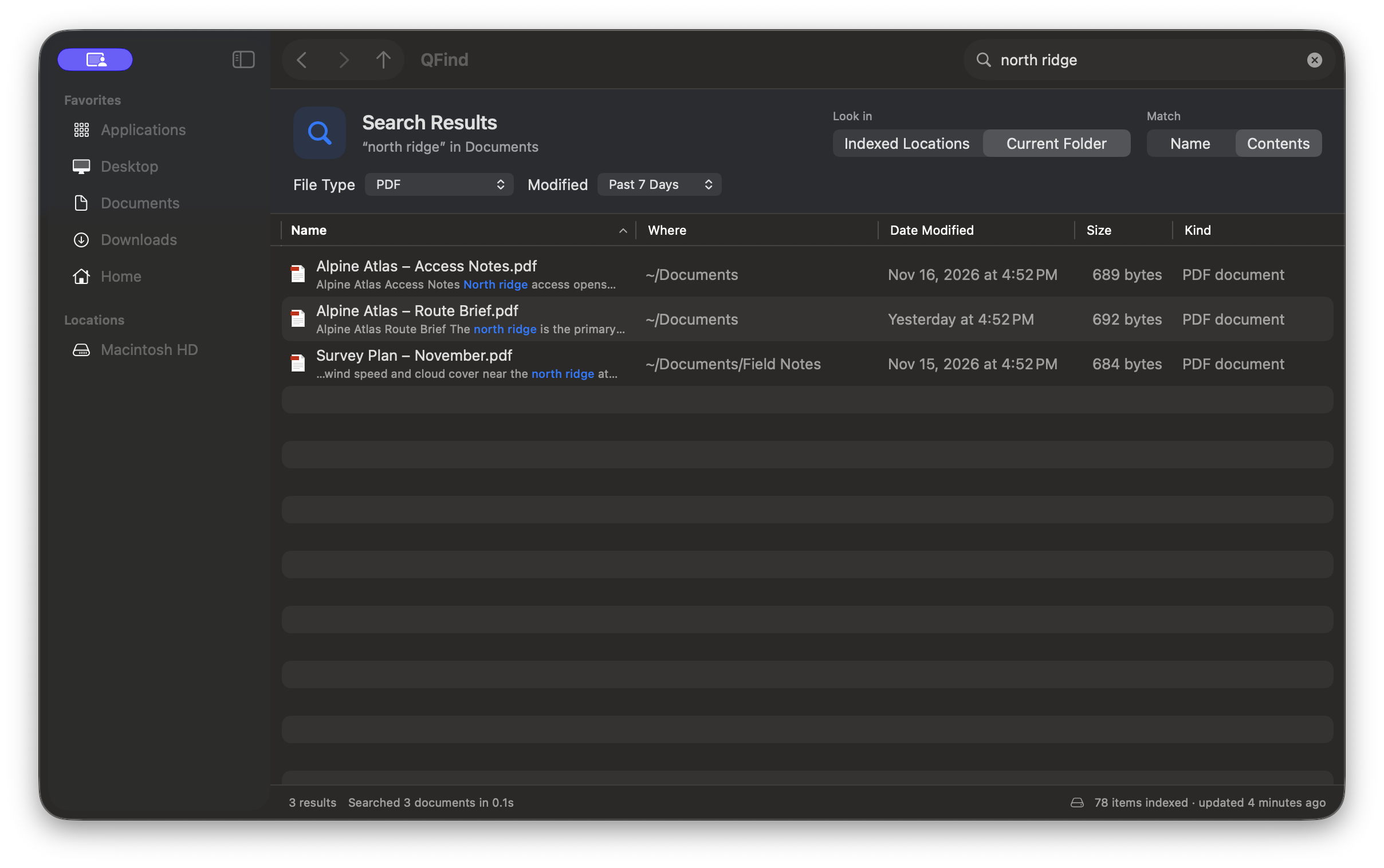
Find text in PDFs, Word documents, and other supported files. A short excerpt helps you recognize the right result.
See what’s indexed, add a folder or an external drive, and narrow your search by file type or modification date.
Bring QFind forward with Option–Shift–Space while it’s running. Preview with Space, open a result, or drag it out.
File searches and the index stay on your Mac. Return here for new beta builds. Download checksum